Best Instagram Auto-Reply Scripts for Home Bakers
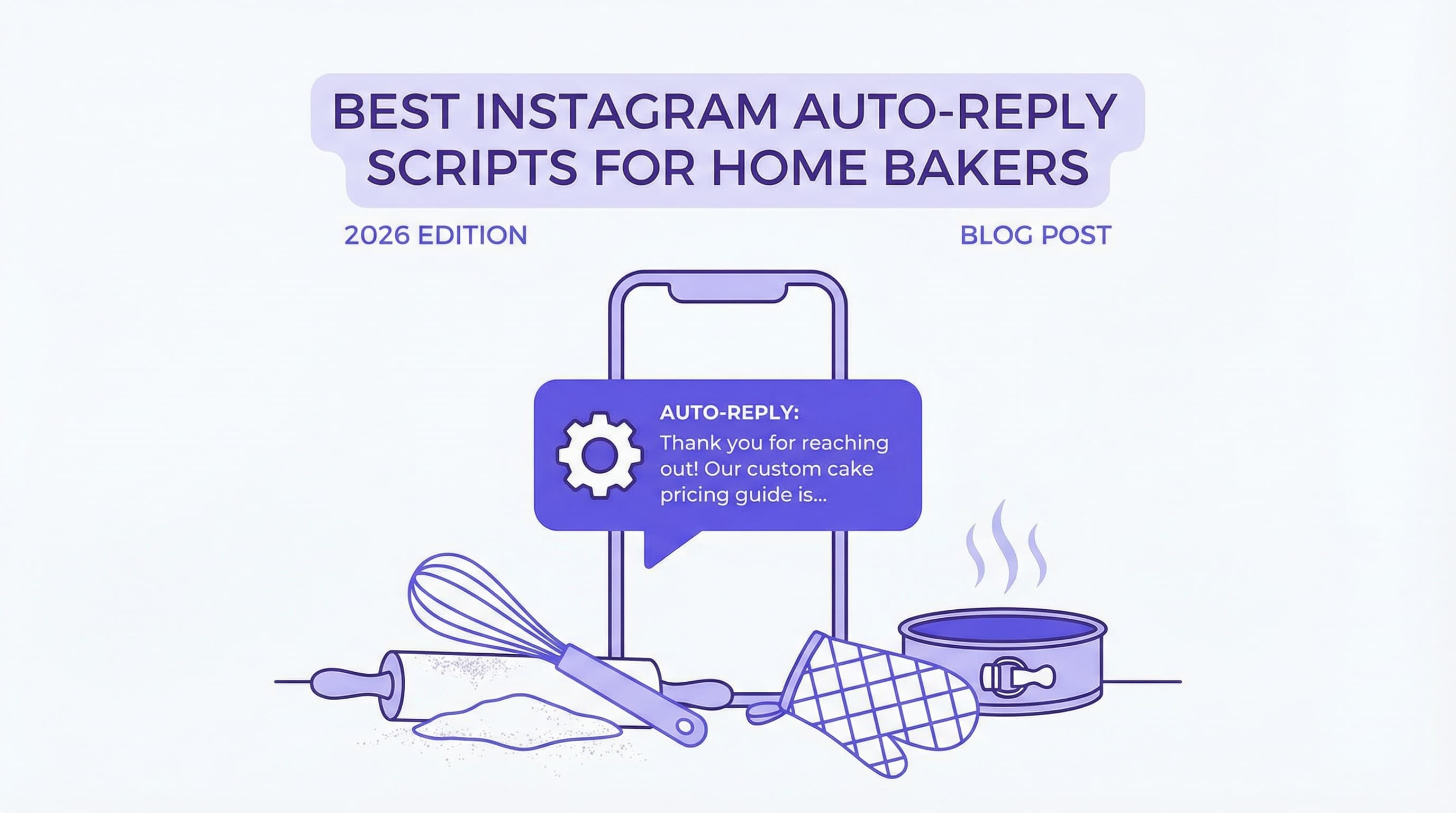
You’re knee-deep in fondant, the oven timer is beeping, and your phone just buzzed for the fifth time with a DM asking, "How much for a custom cake?" As a home baker, this scenario is all too familiar. You want to provide excellent customer service, but stopping every ten minutes to type out the same response kills your productivity. This is where Instagram auto reply scripts for bakers become your secret ingredient for success.
In 2026, customers expect instant gratification. If you take hours to reply, they’ve likely already moved on to another bakery. By using strategic Instagram auto-reply templates, you can ensure every potential customer feels heard immediately, even while you're busy frosting a wedding cake. This guide covers the essential scripts you need to professionalize your home bakery Instagram and reclaim your time.
Why Auto-Reply Scripts Matter
Automating your responses isn't about being robotic; it's about being reliable. For a small business owner wearing every hat—from head baker to social media manager—canned responses bakery owners use can be the difference between a booked order and a lost lead.
Boosting Response Speed
Speed sells. When a customer sees a delicious cupcake on your feed and messages you, their purchase intent is at its peak. If you wait too long, that excitement fades. Data shows that responsiveness is critical; in fact, leads contacted within 5 minutes are 21x more likely to convert than those contacted after just 30 minutes. Using scripts allows you to hit that golden window every time without being glued to your phone.
Enhancing Customer Experience
Consistency builds trust. If one customer gets a friendly, detailed reply and another gets a rushed "check the bio" message, your brand reputation suffers. Bakery customer service DM scripts ensure every inquiry receives a polite, informative, and on-brand response. Furthermore, fast replies significantly impact your bottom line—studies indicate that quick responses can boost purchase likelihood by 53%.
Essential Bakery DM Templates
Copy and paste these bakery DM scripts into your Instagram Saved Replies or automation tool. Customize the brackets to fit your specific menu and vibe.
Pricing/Quote Script
One of the most common questions is about cost. Instead of typing out your pricing structure daily, use this template to guide them to your price list or quote form.
Script:
"Hi [Name]! 👋 Thanks so much for thinking of us for your special occasion! I’d love to give you a quote. Since every cake is custom, pricing depends on size and design. You can view our base prices and fill out a quick quote form here: [Link]. I’ll get back to you with a custom estimate within 24 hours! 🎂"
For more details on handling this specific question, check out our guide on Templates for Bakeries: "How much does a 6-inch cake cost?".
Flavor/Menu Script
When customers ask, "What flavors do you have?" send them this quick reply to showcase your delicious options immediately.
Script:
"Hey there! 🧁 We have a rotating menu of seasonal favorites and classic staples. You can check out this week’s full flavor list right here: [Link to Menu Highlight or Website]. My personal favorite right now is the Salted Caramel! Let me know if you need help choosing. 😋"
Order Confirmation Script
Once an order is placed, reassure the customer immediately. This is a crucial part of bakery order management.
Script:
"Yay! 🎉 Thanks for your order, [Name]! I’ve received your payment and your date is officially booked. I’ll be in touch a few days before [Date] to confirm pickup details. Can’t wait to bake for you!"
Hours & Location Script
Save time on the basics. This script handles the "Where are you located?" and "Are you open?" queries instantly.
Script:
"Hi! We are a home-based bakery located in [Neighborhood/City]. 🏡 Pickups are available [Day] through [Day] from [Time] to [Time]. We don't have a storefront for walk-ins, but you can pre-order anytime via the link in our bio!"
Personalizing Automated Messages
While automation saves time, you don't want to sound like a robot. A few personal touches make automated Instagram messages feel warm and human.
Use Customer Names
Most automation tools, including Instagram's native features, allow you to insert the user's first name automatically. Seeing their name makes the message feel tailored to them rather than a mass broadcast.
Brand Tone and Emojis
Your Instagram quick replies bakery scripts should sound like you. If your brand is fun and colorful, use emojis like 🎂, ✨, and 💖. If your brand is minimalist and elegant, keep the tone polite and refined.
Segmented Replies
Consider having different scripts for new inquiries versus returning customers. A returning customer might appreciate a "Welcome back!" message, while a new one needs more educational info. Learn more about advanced strategies in our article on Instagram DM customer service automation.
Setting Up Instagram Quick Replies
You have two main ways to implement these Instagram auto reply scripts for bakers.
Instagram Saved Replies
For those just starting out, Instagram's native "Saved Replies" feature is a lifesaver.
-
Go to your Settings and tap "Business" or "Creator."
-
Select "Saved Replies."
-
Tap the "+" icon.
-
Enter your shortcut (e.g., "price") and the full message.
Now, when you type the shortcut in a DM, the full script appears. For a deeper dive, read How to Automate Instagram DMs.
AI Auto-Responder Option
If you're receiving more messages than you can handle manually, consider a tool like ButterScotch AI. Unlike basic saved replies, ButterScotch AI can detect the intent of the message (e.g., recognizing a pricing question vs. a flavor question) and send the correct script automatically, 24/7. It connects safely via the official Meta API, ensuring your account stays secure while you sleep (or bake).
Tips for Effective DM Communication
To get the most out of your bakery marketing automation, follow these best practices.
Keep Messages Clear & Concise
Avoid walls of text. Mobile screens are small, and customers skim. Break up text with line breaks and get straight to the point. See more on this in our guide to Instagram DM best practices.
Include a Clear Call-to-Action
Every script should tell the customer exactly what to do next. Whether it's "Click the link," "Fill out the form," or "Reply with your date," a clear CTA drives conversions.
Regularly Update Scripts
Don't set it and forget it. If your prices change or you switch to a holiday menu, update your scripts immediately. Sending outdated info can frustrate customers and lead to lost revenue. We discuss the financial impact of this in Why Bakeries Lose Money by Ignoring DMs (and How to Fix It).
Conclusion
Implementing Instagram auto reply scripts for bakers is one of the smartest moves you can make for your business in 2026. You'll save hours of typing, respond to customers instantly, and never miss a sale because you were busy in the kitchen. By using these templates for pricing, menus, and orders, you create a professional, consistent experience that customers love.
Ready to take your bakery's customer service to the next level without lifting a finger? Try ButterScotch AI's free Instagram DM automation tool today and let our smart assistant handle the DMs while you handle the dough.
You May Also Like
How to Scale Food Business Without Hiring Staff: The 2026 Guide
Learn how to scale your food business without hiring staff using AI and automation. Discover strategies to increase orders and grow efficiently in 2026.
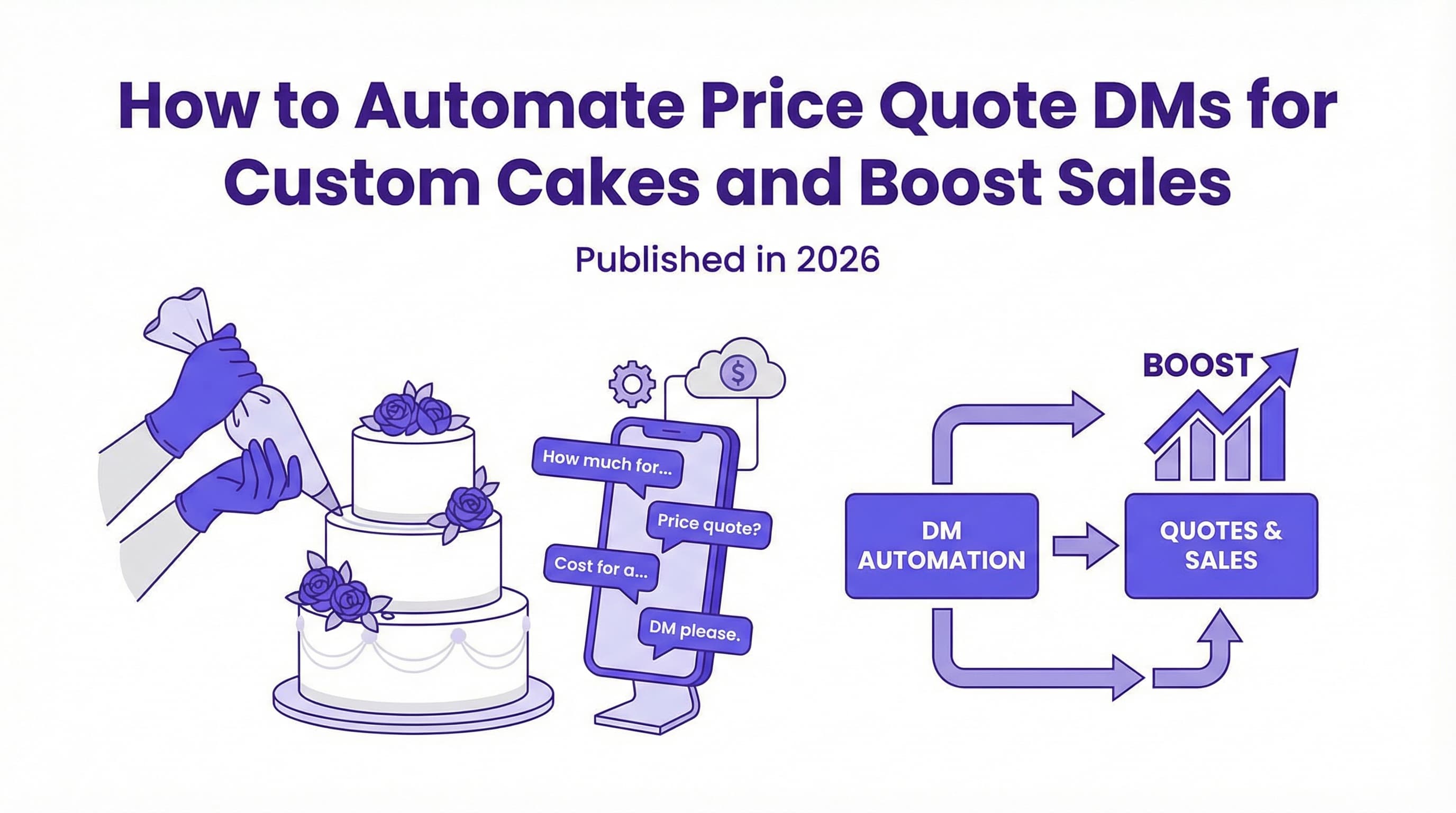
How to Automate Price Quote DMs for Custom Cakes and Boost Sales
Learn how to automate price quote Instagram DMs for cakes to save time and boost sales. Discover the power of instant replies for your bakery business.
The Ultimate Guide to Instagram DM Automation for Small Business Growth
Discover how Instagram DM automation works, why your business needs it, and how to set it up to save time and boost sales 24/7.