Angry Customers Templates AI: How to Handle Complaints Automatically
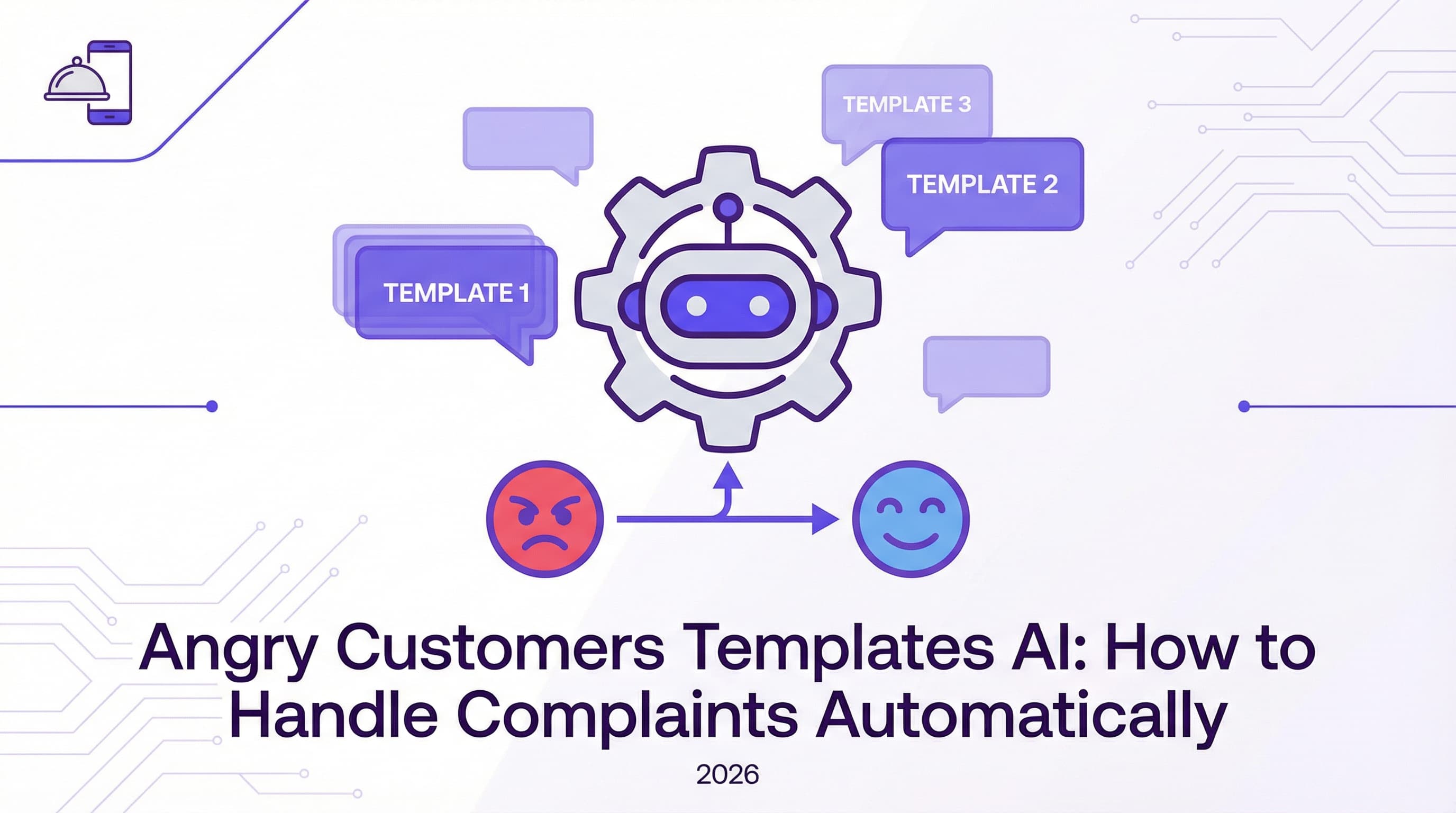
Running a restaurant in 2026 means your digital front door is just as busy as your physical one. But unlike your host stand, your Instagram DMs don't close at 10 PM. We've all been there: waking up to a notification from an upset diner who received a cold pizza or the wrong order. How you handle these moments can make or break your reputation. This is where angry customers templates AI comes into play, transforming potential PR disasters into opportunities for loyalty.
Instead of panic-typing a response while managing a lunch rush, imagine having a system that acknowledges the issue instantly with empathy. By using a free Instagram DM automation tool, you can ensure no complaint goes unheard, even at 2 AM. In this guide, we’ll explore how to set up these automated safety nets, ensuring your customers feel heard and valued without you being glued to your phone 24/7.
Introduction – No One Likes Angry Messages
Dealing with negative feedback is arguably the most stressful part of restaurant management. However, ignoring these messages is not an option. In the fast-paced world of social media, silence is often interpreted as indifference. A quick, professional response can diffuse tension immediately, while a delayed one can add fuel to the fire.
The Stakes
Unhappy customers DMing complaints need quick, empathetic replies or you lose them—and potentially their friends, too. The impact of reviews and public perception is measurable and significant. According to Modern Restaurant Management, 63% of diners say they would avoid a restaurant with poor food quality reviews. If that complaint starts in your DMs and isn't resolved, it often migrates to public review platforms like Google or Yelp, where it does permanent damage. Catching it early with automation is your best defense.
Common Angry Customer Scenarios
To build effective angry customers templates AI systems, you first need to identify what usually goes wrong. You can't automate empathy if you don't know the context. Most restaurant complaints fall into a few predictable categories, which makes them perfect candidates for templated, yet personalized, automation.
Examples
Typically, you'll encounter issues like a wrong order delivered by a third-party app, long wait times on a busy Friday night, food quality issues (like a steak overcooked), or perceived rude service. Each of these requires a slightly different nuance. For instance, a delivery error might need an immediate refund link, while a service complaint needs a listening ear. If you are still typing these out by hand every time, you need to read about why manual DM replies are killing your restaurant’s profit. Manual responses are slow, prone to typos, and often lack the emotional bandwidth required during a busy shift.
Creating Effective Response Templates
The goal of a template isn't to sound robotic; it's to ensure consistency and speed. A good template acts as a bridge, holding the customer's hand until a human can step in if necessary, or solving the problem entirely on its own.
Apology and Empathy
Always start by acknowledging their feeling and apologizing sincerely. Avoid defensive language. Instead of saying "We didn't mess up," try "I'm so sorry to hear your experience wasn't perfect." This validation is often all a customer wants initially. They want to know they aren't shouting into the void. For more on the financial impact of ignoring these initial signals, check out the hidden cost of missed messages for food businesses.
Provide Next Steps
After the apology, pivot immediately to action. Offer solutions such as a refund, a replacement meal, or a discount code for their next visit to show you care. A template might look like this: "I'm incredibly sorry your pizza arrived cold. That’s not the standard we strive for. Please use this link to get a full refund immediately." This turns a negative into a neutral or even positive interaction. However, be careful not to over-promise; read about mistakes restaurants make when automating DMs to ensure your templates are helpful, not frustrating.
Using AI to Deliver These Responses
Now that you have your templates, how do you deliver them instantly? This is where AI and automation tools like ButterScotch AI shine. You can configure your Instagram account to "read" incoming messages and deploy the right response based on the customer's intent.
Automated Triggers
Smart automation uses keyword detection. You can set up your automated Instagram DM tool to listen for phrases like "not happy," "wrong order," "cold food," or "waiting too long." When these keywords are detected, the system triggers the specific empathetic template you wrote for that scenario. This ensures that a customer complaining about a wait time gets a different response than one complaining about a missing item. This level of responsiveness is critical; according to Sprout Social, 76% of consumers expect a response within 24 hours or sooner. Automation is the only way to hit that benchmark consistently without hiring a 24/7 support team.
Staying Human in Tone
Even though a bot is sending the message, the language must feel human. Use personalized language even when automated. Use emojis sparingly but effectively (like a 😔 or 🙏) to convey tone. ButterScotch AI specializes in this kind of "human-in-the-loop" feel, ensuring your brand voice remains intact. It's vital to ensure your staff isn't glued to screens trying to replicate this manually; learn how to stop employees from wasting time on Instagram DMs so they can focus on the guests actually in the dining room.
When to Escalate to a Human
Automation handles the first line of defense, capturing about 80% of routine complaints. However, angry customers templates AI solutions should always have an escape hatch for the remaining 20% of serious issues.
Complex or Heated Cases
If the customer remains upset, uses aggressive language, or has a unique request that a template can't cover, the system should flag the conversation for you or a manager to personally step in. This hybrid approach—AI for speed, humans for complexity—is the gold standard. You can learn more about setting up these workflows in our guide to Instagram DM customer service automation. This ensures that while the robot handles the "I'm sorry," a human handles the "How can we make this right for you specifically?"
Conclusion
Handling upset diners doesn't have to ruin your day or your reputation. By implementing angry customers templates AI, you ensure that every complaint is met with instant empathy and a clear path to resolution. This not only saves your team hours of stress but also turns unhappy customers into loyal advocates who appreciate your efficiency.
Don't let another complaint go unanswered. Take control of your customer service today and try our Instagram automation solution to see how easy it is to turn frowns upside down automatically.
You May Also Like
Master Instagram DM Customer Service Automation: A Guide
Revolutionize your support strategy with Instagram DM customer service automation. Learn to provide 24/7 instant replies, reduce workload, and boost loyalty.
5 Common Instagram DM Automation Mistakes Restaurants Make (And How to Fix Them)
Are your automated replies costing you customers? Discover the top Instagram DM automation mistakes restaurants make and how to fix them in 2026.
7 Instagram DM Automation Best Practices to Skyrocket Engagement
Unlock higher engagement and sales with these essential Instagram DM automation best practices. Learn how to personalize messages, optimize triggers, and stay compliant.