Instagram Auto Reply: Handling 'Are You Open?' Messages for Cupcake Shops
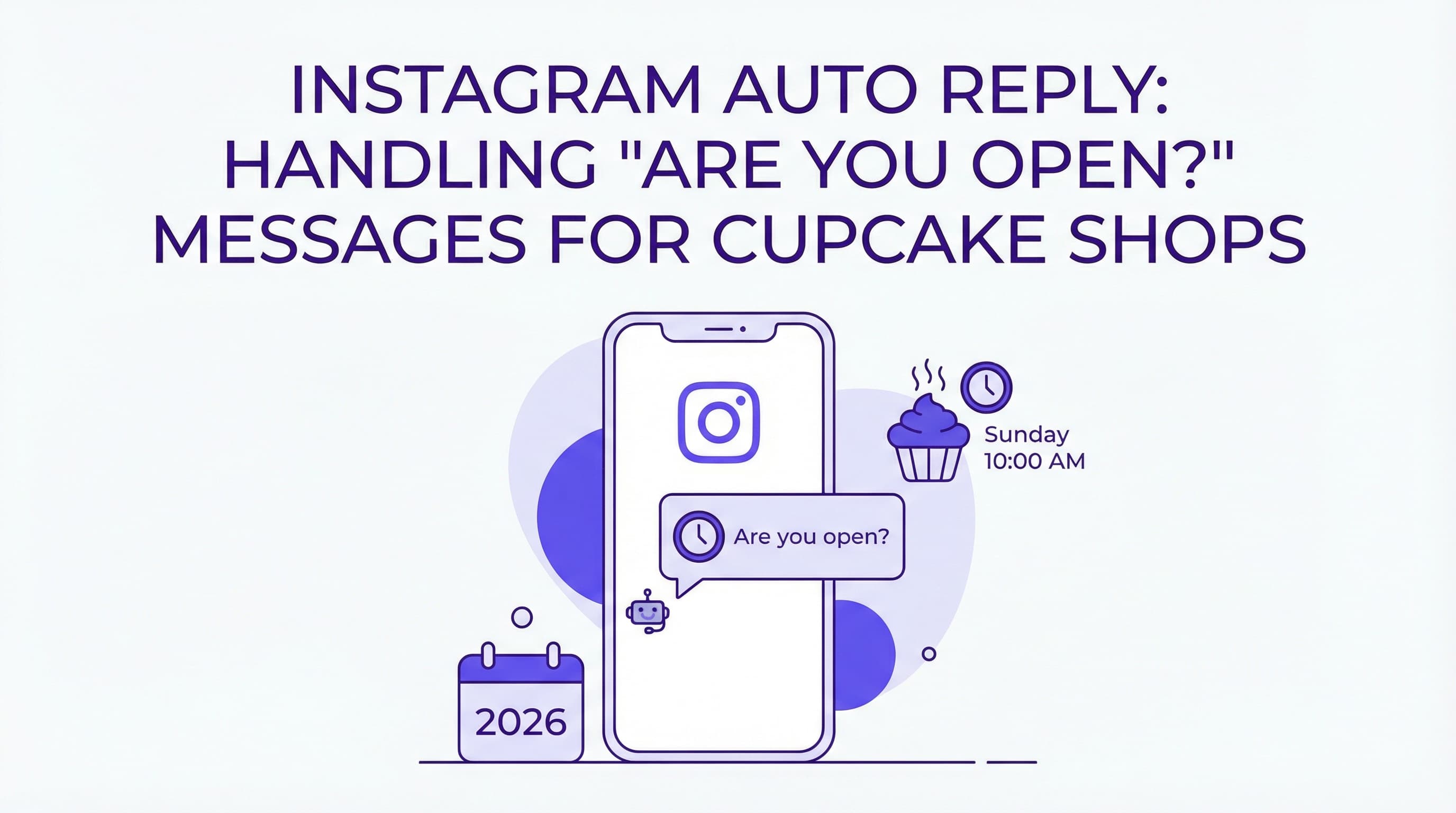
It’s Sunday morning, and your cupcake shop is buzzing. The oven timer is dinging, the line is out the door, and your phone is vibrating off the counter with the same question over and over: "Are you guys open today?" You can't stop frosting to type out a response, but every unanswered DM is a potential lost sale. This is where a well-crafted Instagram auto reply are you open message saves the day.
For local bakeries, Instagram isn't just a photo album; it's a customer service hotline. When a craving hits, customers want answers instantly. If they have to wait hours to find out if they can get their red velvet fix, they might just head to the grocery store instead. In this guide, we’ll show you how to automate your responses, keep your customers happy, and ensure you never miss a sale due to a delayed reply.
Why Quick Open? Responses Matter
In the fast-paced world of food service, timing is everything. A customer asking "Are you open?" usually has their wallet in hand and is ready to head out the door. How you handle that split-second interaction determines whether they walk into your shop or your competitor's.
Customer Expectations
Modern customers view Instagram Direct Messages (DMs) as a direct line to your business, often expecting the same speed as a phone call but without the awkwardness of talking. They aren't just browsing; they are planning their immediate future. According to recent data from Sprout Social, nearly three-quarters of consumers expect a response from brands within 24 hours, with many demanding answers much faster. If your Instagram auto reply are you open message isn't set up, you are failing to meet this basic expectation of convenience.
Preventing Lost Foot Traffic
Silence is often interpreted as "closed." If a potential customer messages you at 10 AM asking for hours and doesn't hear back until 2 PM, that opportunity is gone. They have likely already bought sweets elsewhere. In fact, research indicates that 73% of social users will buy from a competitor if a brand doesn't respond on social media. By automating this simple interaction, you capture that intent instantly, turning a question into a visitor. For more on what happens when you ignore these signals, check out our guide on Instagram DM Mistakes.
Automating Business Hours Replies
You can't be on your phone 24/7, but your business profile can be. There are several ways to ensure your customers get the information they need without you lifting a finger during the rush.
Instagram Saved Replies
The simplest (though semi-manual) method is using Instagram's "Saved Replies" feature. This allows you to create a keyboard shortcut for your standard operating hours. When a message pops up, you type the shortcut, and the full text populates. While this still requires you to open the app, it speeds up the process significantly. It's a good first step for smaller shops that aren't ready for full automation but want to maintain a consistent voice.
AI Bot Response
For true freedom, you need an automated solution that works while you sleep or bake. This is where tools like ButterScotch AI shine. Unlike basic auto-responders that send the same generic "We'll get back to you" text to everyone, smart automation can detect specific intent. The system recognizes phrases like "open?", "hours", or "closing time" and triggers a specific Instagram auto reply are you open message. This ensures the customer gets the exact answer they need—your current schedule—instantly. Learn more about setting this up in our Instagram DM Automation Guide.
Dynamic Updates
Static hours are fine for most weeks, but what about holidays or emergency closures? An advanced Instagram auto reply are you open message system allows for dynamic updates. If you're closing early for a private event or a national holiday, you can update your auto-response to reflect that specific date. This prevents the frustration of a customer driving over because they received a generic "We are open 9-5" message when you are actually closed for maintenance. For deeper strategies on managing these flows, read about Customer Service Automation.
Crafting an Effective Are You Open? Message
Your automated reply shouldn't sound like a robot. It should sound like you—friendly, helpful, and smelling faintly of vanilla essence. Here is how to structure the perfect response.
Friendly Greeting
Start with a warm, on-brand opening. A simple "Hi!" is okay, but "Hey there, sweet tooth! 🧁" is better. It acknowledges the customer and sets a positive tone immediately. Remember, this might be their first interaction with your brand, so make it count.
Clear Hours Info
Get straight to the point. Ambiguity kills sales. Your Instagram auto reply are you open message should clearly state:
-
Current status (Open/Closed)
-
Today's specific hours (e.g., "We are open today from 8 AM to 6 PM")
-
The next opening time if you are currently closed
Avoid vague phrases like "Check our bio." Give them the answer right there in the chat.
Suggest Next Steps
Don't let the conversation end at the hours. Guide them toward a purchase. Include a call-to-action (CTA) such as "Check out today's flavors here: [Link]" or "Pre-order for pickup to skip the line!" This turns a simple informational query into a transaction. You can find more tactics like this in our article on Instagram Marketing Strategies.
Best Practices for Availability Messaging
While an Instagram auto reply are you open message is a powerful safety net, you should also aim to reduce the number of people who need to ask in the first place.
Pin Business Hours on Profile
Make your hours impossible to miss. Instagram allows you to pin posts to the top of your grid. Create a visually appealing graphic with your weekly schedule and pin it. Additionally, ensure your bio is up to date with your location and hours. Synup reports that 78% of shoppers research social media before making a purchase, so having this info front and center is critical.
Use Instagram Stories/Highlights
Create a permanent Story Highlight labeled "Hours" or "Location." This is often the first place users tap when visiting a profile. If you have temporary changes, post them to your Story immediately. This visual confirmation works hand-in-hand with your automated DMs to provide a seamless customer experience. For more tips on optimizing your profile, read Instagram DM Best Practices.
Conclusion
Handling the flood of "Are you open?" messages doesn't have to be a chore. By implementing a smart Instagram auto reply are you open message, you meet customer expectations for speed, prevent lost sales, and free yourself up to focus on baking delicious cupcakes. Whether you use simple saved replies or advanced AI tools, the key is consistency and clarity.
Ready to automate your bakery's customer service? Try ButterScotch AI's free Instagram DM automation tool today and turn those questions into customers automatically.
You May Also Like
Auto Reply Templates Coffee Shop Owners Need in 2026 to Boost Sales
Discover the best auto reply templates coffee shop owners are using in 2026 to save time, engage customers, and drive sales on Instagram. Includes free scripts!
Bakery Automation to Reduce Admin Time: A Guide for Sourdough & Bread Bakers
Discover how bakery automation to reduce admin time can save you 10+ hours a week. Streamline sourdough orders, FAQs, and inventory with simple tools.
Master Instagram DM Customer Service Automation: A Guide
Revolutionize your support strategy with Instagram DM customer service automation. Learn to provide 24/7 instant replies, reduce workload, and boost loyalty.