Instagram Automation for Airbnb Hosts: Check-in & FAQ Guides
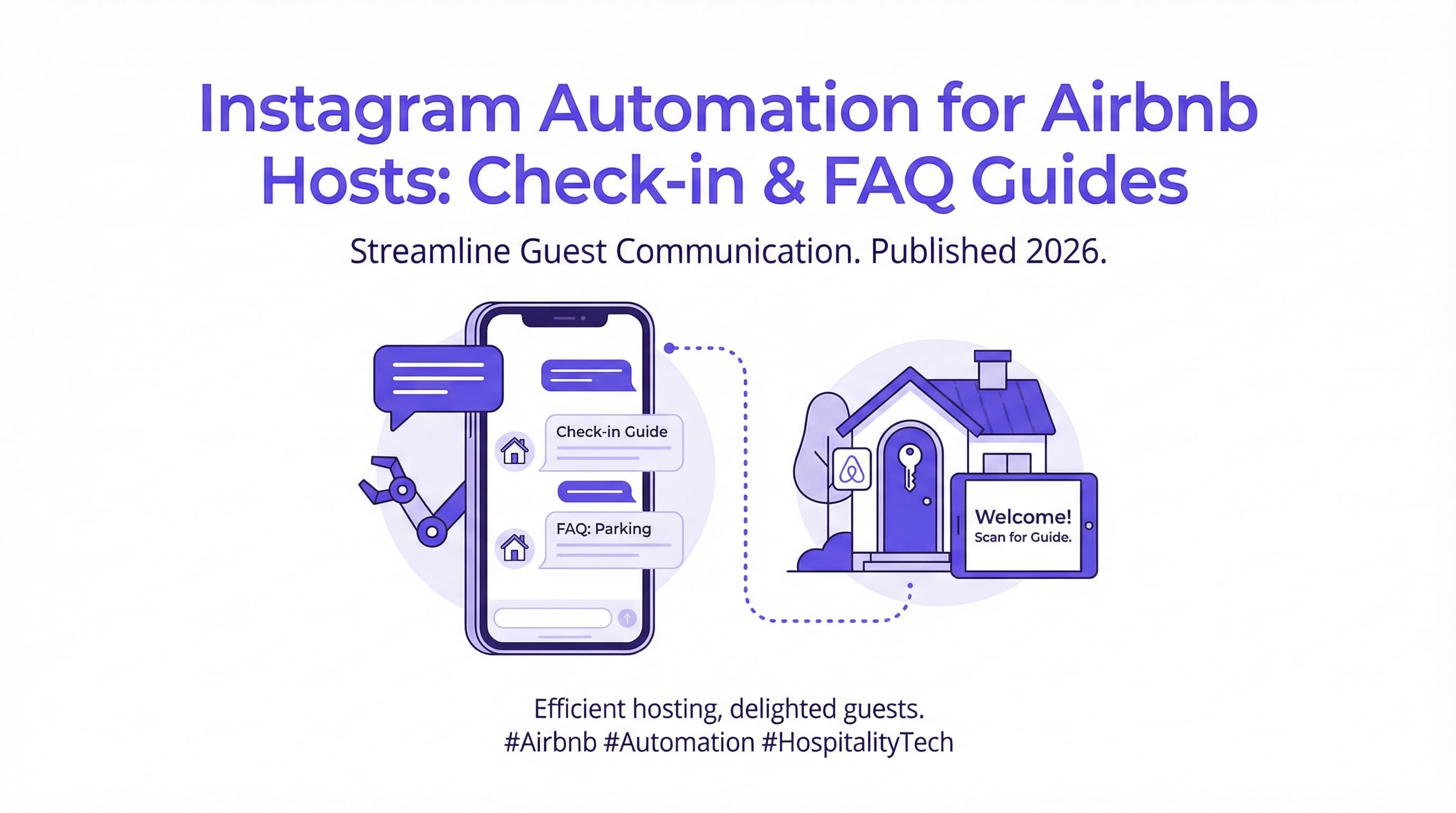
Managing a vacation rental often feels like a 24/7 job. You’re juggling cleaning schedules, maintenance, and, most time-consumingly, constant guest communication. Whether it’s a late-night message asking for the Wi-Fi password or a frantic request for check-in details, the pressure to respond instantly is real. This is where instagram automation for Airbnb hosts becomes a game-changer. By leveraging social media tools, you can provide instant answers without being glued to your phone.
Imagine a world where your guests receive their door codes, house rules, and local recommendations the moment they need them, all through the app they are already using. This isn't just a convenience; it's a necessity for modern hospitality. If you are looking for a way to reclaim your time while delivering a five-star experience, you need to explore the right tools. You can start streamlining your process today with our free Instagram DM automation tool, designed to handle these repetitive tasks effortlessly.
In this guide, we will walk you through exactly how to set up Instagram automation for your short-term rental business. From creating seamless check-in workflows to building a comprehensive FAQ auto-responder, you will learn how to turn your Instagram profile into a powerful guest concierge service.
Introduction – Streamlining Guest Communication via Instagram
Communication is the backbone of the hospitality industry. For Airbnb hosts, the speed and clarity of your responses can make the difference between a glowing 5-star review and a frustrated guest. However, maintaining that level of responsiveness manually is exhausting. This is why savvy hosts are turning to instagram automation for Airbnb hosts to bridge the gap between personal service and operational efficiency.
Common Host Tasks
Every host knows the drill. The same questions pop up with every new booking. "What time is check-in?" "Where do I park?" "How do I use the coffee maker?" These routine inquiries, while simple, eat up hours of your week. On top of that, sending check-in instructions manually leaves room for human error—forgetting to hit send or providing the wrong code can lead to a disastrous start for a guest's vacation. Automating these tasks ensures consistency and reliability, freeing you up to focus on the bigger picture of property management.
The Opportunity of Instagram for Guest Engagement
Instagram is no longer just a place for pretty pictures; it is a dynamic communication channel. Travelers use it to research destinations, find local hotspots, and increasingly, to communicate with brands and businesses. By integrating Instagram into your guest communication strategy, you meet your guests where they already are. It offers a visual and interactive way to share information—think video walkthroughs of the property sent via DM or a "Guide" feature highlighting the best nearby restaurants. This level of engagement builds a stronger brand connection than a standard text-heavy email ever could.
Why Use Instagram
You might be wondering, "Why Instagram? Isn't the Airbnb app enough?" While the platform's native messaging is essential, relying solely on it limits your marketing and engagement potential. Instagram automation for Airbnb hosts opens up a secondary, highly personal channel that enhances the guest experience before they even arrive.
Guests Are Active on Instagram Too
Your guests are likely scrolling through Instagram while they travel. It is the modern traveler's digital companion. According to Statista, 75% of travelers use social media to research and gain inspiration for their next trip. This massive adoption means your guests are comfortable and familiar with the platform. Sending a quick DM is often perceived as more casual and friendly than an email or a formal platform message. It reduces friction, making guests feel more at ease reaching out with questions they might otherwise hesitate to ask.
Maintaining Brand Experience
For hosts building a direct booking business or managing multiple properties, branding is crucial. Instagram allows you to curate a visual identity that reflects the vibe of your rental. When you automate responses on Instagram, you ensure that every interaction aligns with your brand's voice. Whether your tone is luxury and polished or cozy and rustic, automated messages can be crafted to maintain that consistency. This helps in building trust and professional credibility, which are key drivers for repeat bookings and referrals.
Automating Check-In Instructions
One of the most critical touchpoints in the guest journey is the check-in process. A smooth arrival sets the tone for the entire stay. Using instagram automation for Airbnb hosts, you can ensure every guest receives precise, timely instructions without you lifting a finger.
Triggers
Automation relies on triggers—specific actions that initiate a response. In the context of Instagram, a trigger could be a guest sending a specific keyword like "Checkin" or "Arrived" to your DMs. Advanced tools like ButterScotch AI can recognize these intents even if the phrasing varies slightly. For example, if a guest types "I'm here, how do I get in?", the system recognizes the intent and triggers the check-in workflow. You can also set up automation to respond to Story mentions. If a guest tags your property in a Story upon arrival, your system can automatically reply with a warm welcome message and the Wi-Fi details.
Automated DM Content
Once triggered, the content of your automated DM should be comprehensive yet easy to digest. Avoid sending a wall of text. Instead, break it down into bite-sized messages or use a carousel format if supported. Your automated check-in message should include:
-
Welcome Note: A warm, personalized greeting.
-
Access Details: Door codes, lockbox combinations, or smart lock app links.
-
Visual Aids: This is where Instagram shines. You can include a link to a private video showing exactly how to find the entrance or operate the keypad.
-
Essential Info: Wi-Fi network name and password.
By delivering this information instantly via our automated Instagram DM tool, you eliminate the anxiety guests feel when they are standing outside a rental with their luggage, waiting for a host to reply.
Automating FAQ Responses
Answering the same questions repeatedly is the bane of every host's existence. Instagram automation for Airbnb hosts is the perfect solution for handling these FAQs efficiently and accurately.
Listing Common Questions
To set up an effective FAQ system, start by auditing your past messages. What are the top 10 things guests ask you? Common topics usually include:
-
Wi-Fi: "What is the password?"
-
Parking: "Where can I park my second car?"
-
Amenities: "Do you have a hairdryer?" or "How do I use the hot tub?"
-
House Rules: "Can I bring a pet?" or "What is the quiet hour?"
-
Local Recommendations: "Where is the best coffee nearby?"
Grouping these into categories will help you structure your automation logic. For more insights on optimizing your tools for property management, check out our guide on Top 5 Instagram Tools for Real Estate Agents, which covers similar principles relevant to hosts.
Setting Up Auto-Replies to Save Time
Once you have your list, you can configure your automation tool to listen for keywords associated with these topics. If a guest messages, "Is there a coffee maker?", your bot can instantly reply, "Yes! We have a Keurig in the kitchen, fully stocked with pods. Enjoy!"
This instant gratification delights guests. They get the information they need immediately, allowing them to continue enjoying their vacation without interruption. Furthermore, quick responses are a significant factor in guest satisfaction. Data from IntelliHost reveals that listings with a 100% response rate can see up to 116% more bookings compared to those with lower response rates. While this stat applies to the booking platform, the principle of responsiveness holds true across all channels. Fast replies build trust and prevent guests from leaving negative reviews about "unresponsive hosts."
For hosts who also manage long-term rentals or are selling properties, you might find our article on How to Auto-Reply to "Is this still available?" (Rentals) particularly useful for handling initial inquiries.
Implementation Steps
Ready to get started? Implementing instagram automation for Airbnb hosts is straightforward if you follow a structured approach. You don't need to be a tech wizard to set this up.
Preparing Standard Messages and Media
Before you even open the software, draft your responses. Write them in a conversational tone—remember, this is Instagram, not a legal contract. Use emojis to keep it light and friendly.
-
Drafting Text: Create clear, concise answers for your FAQs.
-
Creating Visuals: Take high-quality photos or short videos for complex instructions (e.g., operating the thermostat or finding the trash disposal).
-
Organizing Links: Have links to your digital guidebook, local map, or house manual ready to insert.
If you are looking to expand your marketing, you can also learn How to Send Property Listings Automatically via DM to potential guests who inquire about availability.
Integrating Instagram with Booking Systems
While direct integration between Instagram and platforms like Airbnb isn't native, you can bridge the gap using third-party automation tools like ButterScotch AI. These tools use the official Meta API to ensure your account remains safe and compliant.
The goal is to create a flow where your Instagram acts as a support layer on top of your booking system. You can encourage guests to follow your property's Instagram page in your initial Airbnb confirmation message. "For the fastest response and local tips, follow us @YourRentalName!" Once they are there, your automation takes over.
For a deeper dive into the mechanics of these systems, read The Ultimate Guide to Instagram DM Automation for Small Business Growth. It covers the foundational strategies that apply perfectly to hospitality businesses.
Pro Tip: Use Instagram's "Saved Replies" feature in conjunction with automation. While automation handles the bulk, Saved Replies allow you to quickly insert personalized snippets for unique situations that require a human touch. This hybrid approach ensures efficiency without losing the personal connection.
Conclusion & CTA – Delight Guests with Instant Info
Embracing instagram automation for Airbnb hosts is about more than just saving time—it is about elevating the guest experience. In 2026, travelers expect instant gratification and seamless digital interactions. By automating your check-in instructions and FAQ responses, you provide a level of service that rivals high-end hotels, all while maintaining the personal charm of a vacation rental.
Remember, the goal is to be available without being always "on." Automation allows you to scale your hospitality business, manage multiple properties, and actually enjoy your own downtime. You can ensure your guests are happy, informed, and safe, even if you are asleep or on vacation yourself.
To help you choose the right software for your needs, we've compiled a list of The 7 Best Instagram DM Automation Tools to Skyrocket Engagement (2025). However, if you want to start immediately with a solution tailored for efficiency, we recommend you try our Instagram automation solution today. It is the easiest way to start delighting your guests with instant information and professional communication.
You May Also Like
How to Auto-Reply to "Is this still available?" (Rentals)
Stop losing leads to slow responses. Learn how to set up an auto reply for rentals on Instagram DM to instantly answer availability questions 24/7.
Master Instagram DM Customer Service Automation: A Guide
Revolutionize your support strategy with Instagram DM customer service automation. Learn to provide 24/7 instant replies, reduce workload, and boost loyalty.
Instagram Auto Reply: Handling 'Are You Open?' Messages for Cupcake Shops
Stop losing customers to missed DMs. Learn how to set up the perfect Instagram auto reply are you open message to keep your cupcake shop running 24/7.