How to Send Menu Automatically via Instagram DM (2026 Guide)
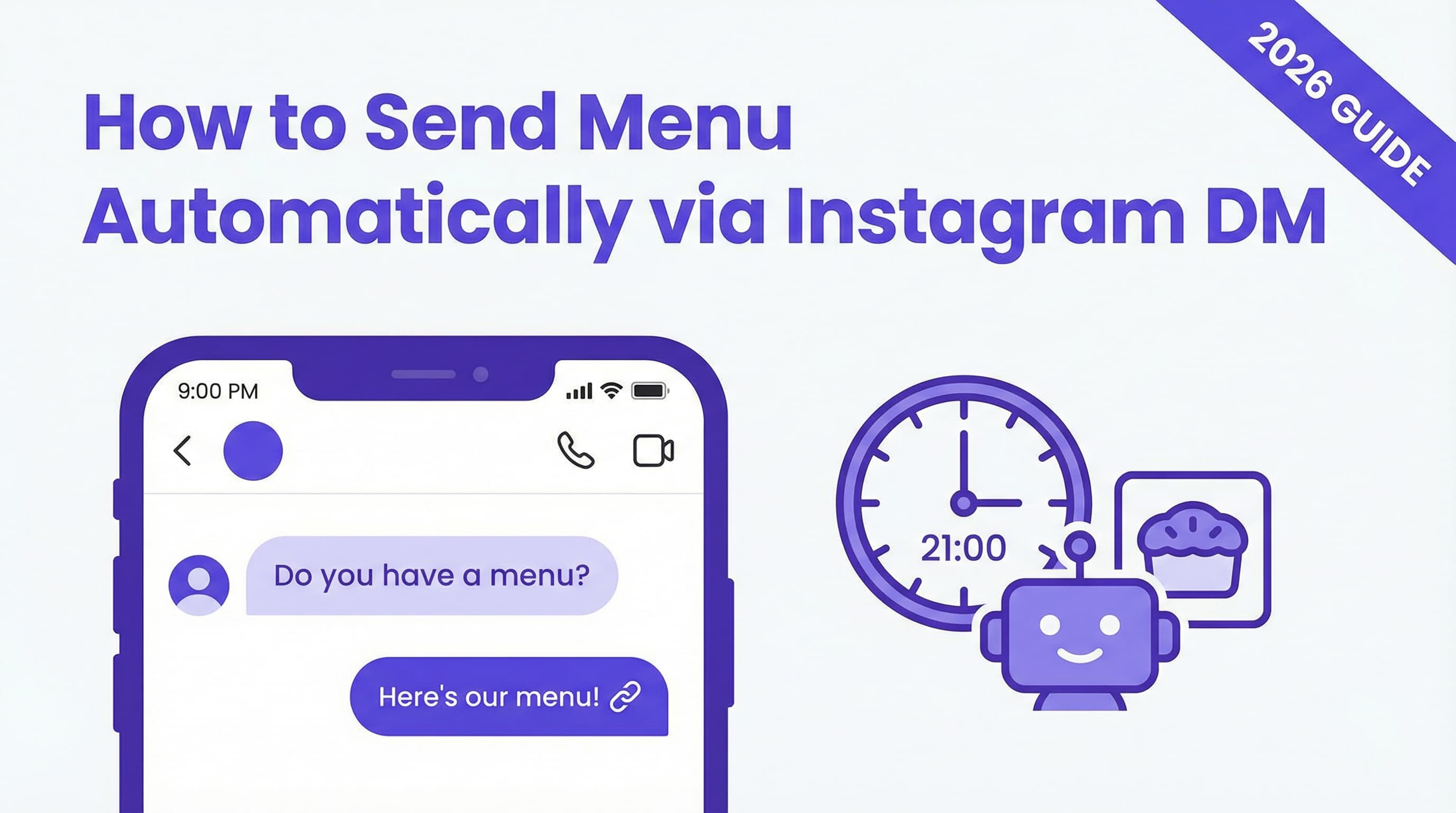
Imagine a potential customer scrolling through Instagram at 9 PM, craving a treat. They find your bakery's page and send a DM: "Do you have a menu?" If you're asleep or busy baking, that message sits unanswered for hours. By the time you reply, they've likely moved on or lost that impulse to buy. In 2026, speed isn't just a luxury—it's a necessity.
Learning how to send menu automatically via Instagram DM transforms this interaction. Instead of silence, your customer receives an instant, beautifully formatted list of your current flavors, pricing, and a link to order. This immediate gratification captures their interest at its peak. In this guide, we'll explore how to set up an automated flavor list DM system that works 24/7, ensuring you never miss a sale again.
Why Instant Menu Delivery Matters
The modern consumer's attention span is shorter than ever. When someone asks for your menu, they are in a "high-intent" state—they are ready to buy now. Delaying your response creates friction that kills conversion rates.
Prevent Lost Interest
Speed is the single most critical factor in closing social media sales. If you don't reply quickly with options, customers naturally drift to competitors who do. According to recent industry data, leads contacted within 5 minutes are 21x more likely to convert than those contacted after just 30 minutes. An automatic menu response ensures you hit that 5-minute window every single time, even when you're away from your phone.
Showcase Your Best Offerings
An Instagram food catalog DM isn't just a text list; it's a marketing asset. By automating this process, you control exactly what the customer sees first. You can strategically highlight your high-margin items, best-sellers, or limited-time seasonal specials immediately. A well-structured bakery menu bot acts like a digital waiter, presenting your products in the best possible light before the customer even asks a follow-up question.
Automating the Flavor Menu Response
Setting up a system to send menu automatically via Instagram DM is easier than you might think. Modern tools like ButterScotch AI allow you to configure these automations without writing a single line of code. Here is how the mechanics work.
Keyword Triggers
The core of Instagram menu automation is the keyword trigger. You simply tell your automation tool to listen for specific words or phrases. Common triggers include "menu," "flavors," "price list," or "what do you have." When a user types any of these into your DMs, the bot instantly recognizes the intent and fires off the pre-set response. This creates a seamless experience where the customer feels heard immediately.
Image/Carousel Responses
Text is good, but visuals sell. A sophisticated bakery automation tool allows you to send more than just words. You can configure your bot to reply with a high-quality image of your menu or a carousel of your top flavors. This visual approach is far more engaging than a plain text block and helps customers visualize what they are about to order. For more on leveraging AI for visuals, check out our guide on AI Chatbots for Instagram DMs.
Textual Menu List
For customers who just want the facts, your bot can also deliver a neatly formatted text list or a direct link to a PDF menu. This is perfect for daily rotating flavors. You can update the text in your dashboard once, and every subsequent automated menu delivery will reflect the new options instantly. This hybrid approach—visuals for appeal, text for details—covers all bases.
Designing an Engaging Menu Message
Your automated response is often your first impression. Make it count. A generic "here is the menu" message is a missed opportunity to build your brand voice and drive excitement.
Use Visuals
Never underestimate the power of food photography. Research indicates that menus with high-quality images can increase sales by up to 30%. When you send menu automatically via Instagram DM, ensure the accompanying image is bright, appetizing, and clear. If you are using a carousel, place your most popular, drool-worthy item first to hook the viewer immediately. Learn more about crafting visual strategies in our article on Instagram DM Marketing Strategies.
Highlight Specialties
Don't make customers hunt for your best items. Use formatting like bold text or emojis to draw attention to signature flavors or seasonal specials. For example, instead of just listing "Chocolate Chip," try "🍪 BEST SELLER: Brown Butter Chocolate Chip." This subtle cue guides the customer's decision-making process and pushes them toward your star products.
Include Clear CTAs
The goal of a visual menu in DM is to get an order. Always end your automated message with a clear Call-to-Action (CTA). Phrases like "Tap below to order now," "Reply with your choice to claim a box," or "Click here to customize your dozen" give the customer a specific next step. This reduces decision fatigue and moves them down the funnel. For more tips on conversion, read about Instagram DM Best Practices.
Setting Up Your Menu Bot
Ready to build your own DM auto responder bakery assistant? The setup process is straightforward and can be done in under an afternoon.
Adding Menu Info
First, gather your assets. You will need your current flavor list, pricing, and high-res photos. Log into your automation platform—ButterScotch AI makes this incredibly intuitive—and navigate to the "Auto-Responses" section. Here, you will input your text and upload your media. Pro Tip: Keep your text concise. Large blocks of text can be overwhelming on mobile screens. Break it up with line breaks and bullet points.
Testing the Trigger
Before going live, you must test. Have a friend or team member DM your business account with the keyword "menu." Ensure the response fires instantly, the images load correctly, and all links are clickable. A broken link in an instant menu reply is worse than no reply at all. Once verified, you are ready to let your chat commerce engine run on autopilot. If you're new to this, our guide on How to Automate Instagram DMs offers a step-by-step walkthrough.
Conclusion
In 2026, customers expect immediacy. The ability to send menu automatically via Instagram DM not only meets this expectation but exceeds it, providing a professional, polished experience that drives sales around the clock. By automating this repetitive task, you free up time to focus on what you do best—baking delicious treats—while ensuring no lead is ever left waiting.
Don't let another late-night craving go unanswered. Try ButterScotch AI's free Instagram DM automation tool today and turn every "do you have a menu?" DM into a confirmed order instantly. For more insights on why this is crucial for your business, read about the Benefits of DM Automation.
You May Also Like
Cookie Shop Automation: Managing Drop Days with AI
Master Instagram drop day automation for cookie shops. Learn how to handle high-volume launches, automate DMs, and sell out stress-free in 2026.
How to Automatically Send Menu Instagram DM: The 2026 Guide
Learn how to automatically send menu Instagram DM replies instantly. Boost restaurant sales with PDF menu automation and save time with this 2026 guide.
Automate Sold Out Messages on Instagram DM to Boost Retention
Don't let stockouts kill your sales momentum. Learn how to automate sold out messages on Instagram DM to keep customers engaged and ready for the next drop.