How to Automatically Send Menu Instagram DM: The 2026 Guide
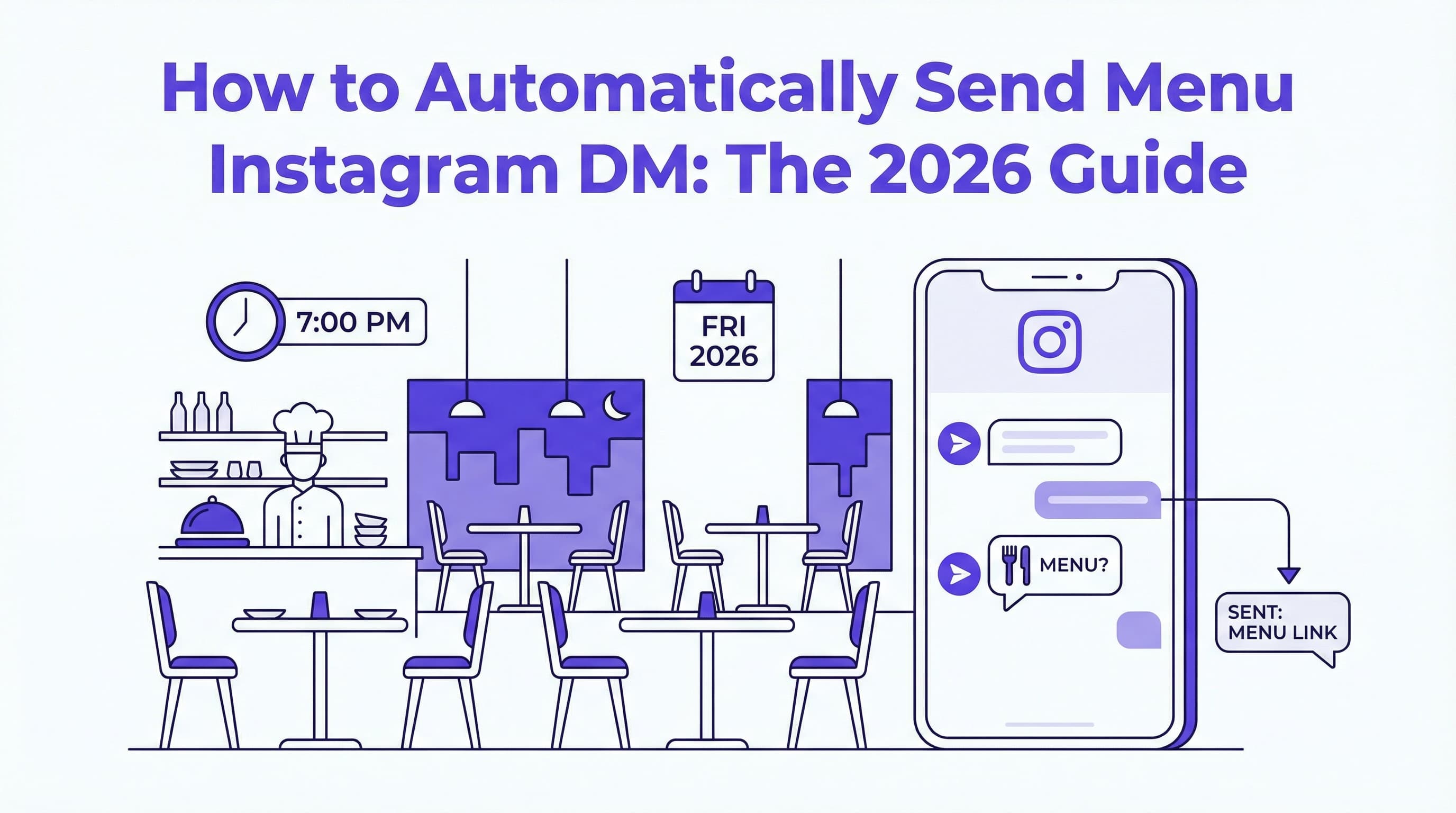
It’s 7:00 PM on a Friday. Your restaurant is buzzing, the kitchen is slammed, and your host is juggling three phone calls. Meanwhile, your Instagram notifications are blowing up with the same question over and over: "Can I see the menu?"
If you don't reply instantly, that hungry customer will likely scroll to your competitor's page. In 2026, speed isn't just a luxury; it's a necessity. The ability to send menu Instagram DM responses automatically can be the difference between a booked table and a lost opportunity. Instead of manually pasting links or attaching files every time, smart restaurateurs are using our free Instagram DM automation tool to handle these requests 24/7.
This guide will show you exactly how to set up an Instagram menu auto reply system that delivers your PDF menu instantly, keeping your customers happy and your staff focused on the food.
Introduction – Why Speed Matters When Customers Ask for Menus
When a potential diner lands on your Instagram profile, they are usually in the "decision phase." They are hungry, they like what they see in your photos, and they just need one final piece of information to commit: the price and selection. If they have to wait hours for you to manually send menu Instagram DM replies, their hunger will drive them elsewhere.
Automation bridges this gap. By setting up an automated menu delivery Instagram system, you ensure that every potential customer receives immediate service, regardless of whether your restaurant is open, closed, or in the middle of a dinner rush. It turns your Instagram inbox into an always-on concierge.
Understanding Menu Requests on Instagram
Before diving into the technical setup, it helps to understand how customers actually ask for information. Unlike email, Instagram DMs are casual, quick, and expect immediate gratification.
Common Ways People Ask for Menus in DMs
Customers rarely type out formal sentences. Instead, you'll see variations like:
-
"Menu pls"
-
"Do you have a pdf menu?"
-
"Send menu"
-
"Price list?"
Sometimes, they might simply reply to a delicious-looking Story with a "fire" emoji and ask, "What is this and how much?" A robust menu bot Instagram system needs to recognize these different intents. This is similar to how you might handle other common queries, such as automating "Table Reservations" for busy restaurants, where understanding the customer's intent is key to providing the right link or form.
The Impact of Slow Responses on Sales
The data is clear: delay kills deals. In the fast-paced world of food service, a response time of even 30 minutes can be too long. According to Sprout Social, 73% of consumers say that if a brand doesn't respond on social media, they'll buy from a competitor. That means nearly three out of four people who DM you for a menu might choose another restaurant if you leave them on "read."
Implementing an instant menu Instagram DM solution stops this leakage immediately. It captures that interest at the peak of their hunger. For more strategies on capturing lost revenue, check out our guide on how to stop missing lunch orders: the AI guide for restaurants.
Automating Menu Delivery in Instagram DMs
The good news is that you don't need to be a coding expert to set this up. Modern tools like ButterScotch AI make it simple to create a chat bot PDF menu responder that feels personal and helpful.
Setting Up an Auto-Responder to Send Your Menu PDF
To effectively send menu Instagram DM replies automatically, you need a tool that connects to the Meta API. Here is the basic workflow:
-
Connect your account: Link your Instagram Business profile to an automation platform like ButterScotch AI.
-
Define Keywords: Set up triggers for keywords like "menu," "food list," "drinks," or "pricing."
-
Create the Response: Write a friendly message that includes a direct button or link to your menu.
For a deep dive into the technical steps of general automation, read our article on how to automate Instagram DMs: the ultimate setup guide for 2025. The goal is to make the experience seamless. When they type "menu," the PDF menu Instagram DM should arrive instantly.
Tips for Hosting Your Menu File for Quick Sharing
You cannot directly "attach" a PDF file inside an Instagram DM automation flow in the same way you would an email attachment. Instead, you send a direct link to the file.
-
Use a Direct Link: Host your PDF on your website, Google Drive (with public access), or a dedicated menu hosting platform. Ensure the link ends in
.pdfif possible so it opens immediately. -
Mobile Optimization: Ensure your PDF is readable on a phone screen without excessive zooming.
-
Keep it Updated: If you change your seasonal dishes, update the file at the source link so you don't have to change your automation settings every time.
This logic also applies to other service questions. For example, you can use similar logic for handling "Do You Deliver?" FAQs with AI automation, sending customers directly to your delivery partner links.
Best Practices for Sharing Menus
When you send menu Instagram DM automated replies, the user experience is paramount. A clunky interaction can frustrate a hungry user.
-
File Size Matters: Keep your PDF menu file link under 5MB. Large files take too long to load on mobile data, and customers might abandon the process.
-
Clear Call-to-Action (CTA): Don't just drop the link. Say something like, "😋 Here is our latest dinner menu! Click below to view."
-
Use Buttons: If your automation tool supports it, use a button labeled "View Menu" rather than a raw URL. It looks cleaner and increases click-through rates.
If you are looking for the right words to use, we have compiled a list of the best auto-reply templates for coffee shops & cafes that can be adapted for any restaurant.
Additionally, consider using this interaction to build a long-term relationship. You could offer a small discount if they join your email list after viewing the menu. This is a great strategy for how to build a VIP dining list using Instagram DMs.
If you haven't started automating yet, you can try our automated Instagram DM tool to set up your menu responder in minutes. It allows you to create custom flows that not only deliver menus but can also answer questions about allergies, hours, and parking.
For a broader look at how this technology fits into your overall strategy, read the ultimate guide to Instagram DM automation for small business growth. It covers how restaurant digital menu sharing is just the tip of the iceberg.
Conclusion – Try Our Free DM Auto-Responder to Share Menus Instantly
In 2026, customers expect instant gratification. When you automatically send menu Instagram DM responses, you meet that expectation head-on, turning curious scrollers into paying diners. By using restaurant menu DM automation, you eliminate the wait time, reduce the workload on your staff, and ensure that your menu is always in the hands of the people who want to see it most.
Don't let another potential order slip away because you were too busy to reply. Take control of your inbox and start serving customers instantly.
Ready to get started? Try our free Instagram DM automation tool today and set up your instant menu reply in just a few clicks.
You May Also Like
How to Send Menu Automatically via Instagram DM (2026 Guide)
Learn how to send menu automatically via Instagram DM to boost sales. Discover the best tools for instant flavor list delivery in 2026.
How to Turn Instagram Followers Into Customers: The 2026 Guide for Restaurants
Learn how to turn Instagram followers into customers and repeat diners using automated DM strategies. Stop chasing likes and start building loyalty loops.
Automate Lunch Orders for Your Restaurant: Stop Missing Midday Sales
Lunch rush chaos causing missed orders? Learn how to automate lunch orders for your restaurant using AI on Instagram to capture every sale instantly.