Automate Delivery FAQs Instagram: Stop Answering "Do You Deliver?" Manually
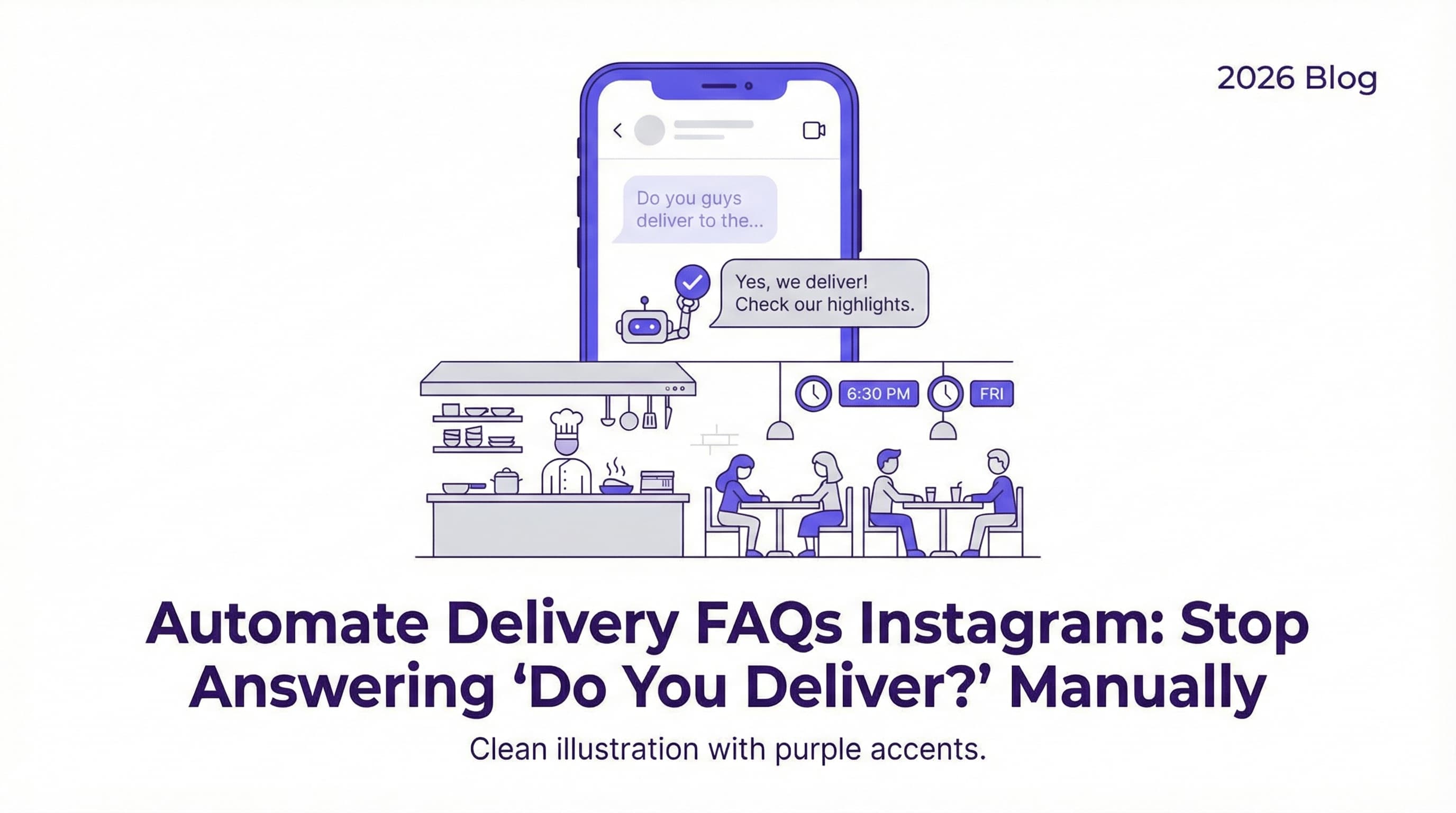
It’s 6:30 PM on a Friday. Your kitchen is slamming, the front-of-house is packed, and your phone just pinged for the tenth time in five minutes. It’s another Instagram DM: "Do you guys deliver to the downtown area?" You don't have time to type out a response right now, but by the time you do, that hungry customer will have already ordered from your competitor. This scenario is all too common for restaurants in 2026. Learning how to automate delivery FAQs Instagram responses isn't just a convenience—it's a revenue saver.
Imagine if every time someone asked about delivery zones, fees, or minimum orders, they received an instant, friendly answer without you lifting a finger. That is the power of our free Instagram DM automation tool. In this guide, we will show you exactly how to set up automated replies that satisfy hungry customers instantly and keep your staff focused on the food.
Introduction – The Repetitive "Do You Deliver?" Question Every Restaurant Gets
If you manage a restaurant's social media, you know that the "Do you deliver?" question is the bane of your existence. It is repetitive, it interrupts your workflow, and yet, it is a high-intent buying signal. A customer asking about delivery is a customer holding their credit card, ready to pay. Ignoring them or replying late is essentially turning away cash.
In 2026, customers expect immediacy. They don't want to browse your website's footer or hunt for a highlight reel. They want to ask a question in the DM and get an answer now. Manually copying and pasting the same response about your 5-mile radius or your partnership with UberEats is not scalable. Automation allows you to turn this repetitive chore into a seamless customer service experience that operates 24/7.
Why Delivery FAQ Automation Matters
Speed is the currency of the digital age. When a user messages you, they are likely debating between you and another option. The business that replies first often wins the order. By automating your responses, you ensure that you are always the first to reply, regardless of how busy your dining room is.
Common Delivery Inquiries (zones, fees, minimums)
Delivery questions are rarely just "yes or no." They often come with specific nuances that your automation needs to handle. The most common variations include:
-
Delivery Zones: "Do you deliver to [Neighborhood]?" or "How far do you go?"
-
Fees and Minimums: "Is there a delivery fee?" or "What's the minimum order for delivery?"
-
Platforms: "Are you on DoorDash or GrubHub?"
-
Tracking: "Where is my order?"
To handle these effectively, you need a system that can recognize keywords like "zone," "fee," or "minimum" and provide the correct details. For example, you might want to link them directly to your delivery partner or send a map of your zone. You can even set up flows similar to how food trucks can automate "location updates" via DM, ensuring customers always know where you can reach them.
Lost Opportunities from Slow Responses
The cost of a slow response is higher than you think. According to Sprout Social, nearly three-quarters of consumers expect a response on social media within 24 hours, but in the on-demand food world, the expectation is often closer to minutes. If a customer wants dinner now, they won't wait an hour for you to confirm you deliver to their street.
Furthermore, a 2025 report from TouchBistro highlights that 67% of Gen Z and Millennials use social media to decide where to eat. If your DM channel is a black hole of unanswered questions, you are actively discouraging this massive demographic from ordering. Automation plugs this leak in your sales funnel instantly.
Automating Your Delivery FAQ Responses
Setting up automation doesn't require a degree in computer science. With tools like ButterScotch AI, you can create "intent-based" automation. This means the AI understands the intent behind the message (e.g., wanting delivery info) rather than just looking for exact keyword matches.
Setting Up Auto-Replies for Delivery Questions
The first step is to identify the trigger keywords and phrases associated with delivery. These typically include "deliver," "delivery," "shipping," "DoorDash," "UberEats," and "takeout."
Once you have your triggers, you draft a clear, concise response. A good template might look like this:
"Yes, we deliver! 🚗 We cover a 5-mile radius from our downtown location. You can order directly through our website to save on fees, or find us on UberEats. Here is the link to order: [Link]"
For more complex setups, you can offer a menu of options. If you are already using tools for automating "table reservations" for busy restaurants, you can add a "Delivery" button right alongside your "Book a Table" option in your main DM menu. This gives users a self-service path to get the answers they need.
If you haven't started yet, you can set this up in minutes with our free Instagram DM automation tool. It comes with pre-built templates specifically designed for restaurants to handle these exact scenarios.
Keeping Your Chatbot Updated with Delivery Info
Automation is not a "set it and forget it" tool; it needs to evolve with your business. If your delivery radius changes due to driver shortages, or if you stop working with a specific third-party app, you must update your auto-replies immediately.
-
Seasonal Changes: During holidays or bad weather, you might pause delivery. Your bot should reflect this. See how other businesses handle seasonal shifts in our guide on best auto-reply templates for coffee shops & cafes.
-
Menu Updates: If you launch a new delivery-exclusive combo, update your greeting to mention it. You can even learn how to send your PDF menu instantly in Instagram DMs so customers don't have to leave the chat to decide what they want.
Best Practices for Delivery FAQs (clear info, fallback options)
When automating delivery answers, clarity is king. Avoid vague answers. If you only deliver within 3 miles, say "3 miles," not "local area." If there is a $5 fee, state it upfront. Transparency builds trust.
Pro Tip: Always include a "fallback" or "human handoff" option. Sometimes a customer has a unique situation, like a large catering order or a delivery to a hospital wing. Ensure your bot knows when to alert a human staff member. This is a key principle discussed in our ultimate guide to Instagram DM automation for small business growth.
Additionally, consider using your delivery interactions to build loyalty. If a customer asks for delivery, why not surprise them with a discount code for their first order? This strategy is explained in detail in our article on how to recover "lost customers" with DM coupons.
Finally, ensure your tone matches your brand. If you run a fun cupcake shop, your bot should sound sweet and exciting. Check out our guide on Instagram auto reply: handling 'are you open?' messages for cupcake shops for inspiration on voice and tone.
Conclusion – Set Up Your Free Auto-Responder to Handle Delivery FAQs
Automating your delivery FAQs on Instagram is one of the highest-ROI actions you can take for your restaurant in 2026. It saves your staff hours of repetitive typing, ensures customers get instant gratification, and directly drives more delivery orders. You stop being the bottleneck and start being the solution.
Don't let another "Do you deliver?" message go unanswered for hours. Take control of your DMs and turn inquiries into income. For a deeper dive into customer service strategies, read our guide on master Instagram DM customer service automation.
Ready to get started? Try our automated Instagram DM tool today and never miss a delivery order again.
You May Also Like
Automate Pizza Orders Instagram DM: The 2026 Guide for Shops
Learn how to automate pizza orders Instagram DM to boost sales and save time. Discover the best AI tools for 2026 to handle orders 24/7.
Best Order-Taking AI Agents for Restaurants (2026 Guide)
Discover the top order-taking AI agents of 2026. From voice bots to DM automation, learn how to automate orders and boost revenue.
Instagram Auto Reply: Handling 'Are You Open?' Messages for Cupcake Shops
Stop losing customers to missed DMs. Learn how to set up the perfect Instagram auto reply are you open message to keep your cupcake shop running 24/7.